Make the room feel right, not just brighter
Upload a few room photos and Rightlight6 reads weak daylight, glare, bedroom comfort, and visible damp clues, then ranks the fixes most likely to change how the room feels.
Start with the full room, the main light or window, and the area that feels most wrong. Keep the setup short and get to the room read quickly.
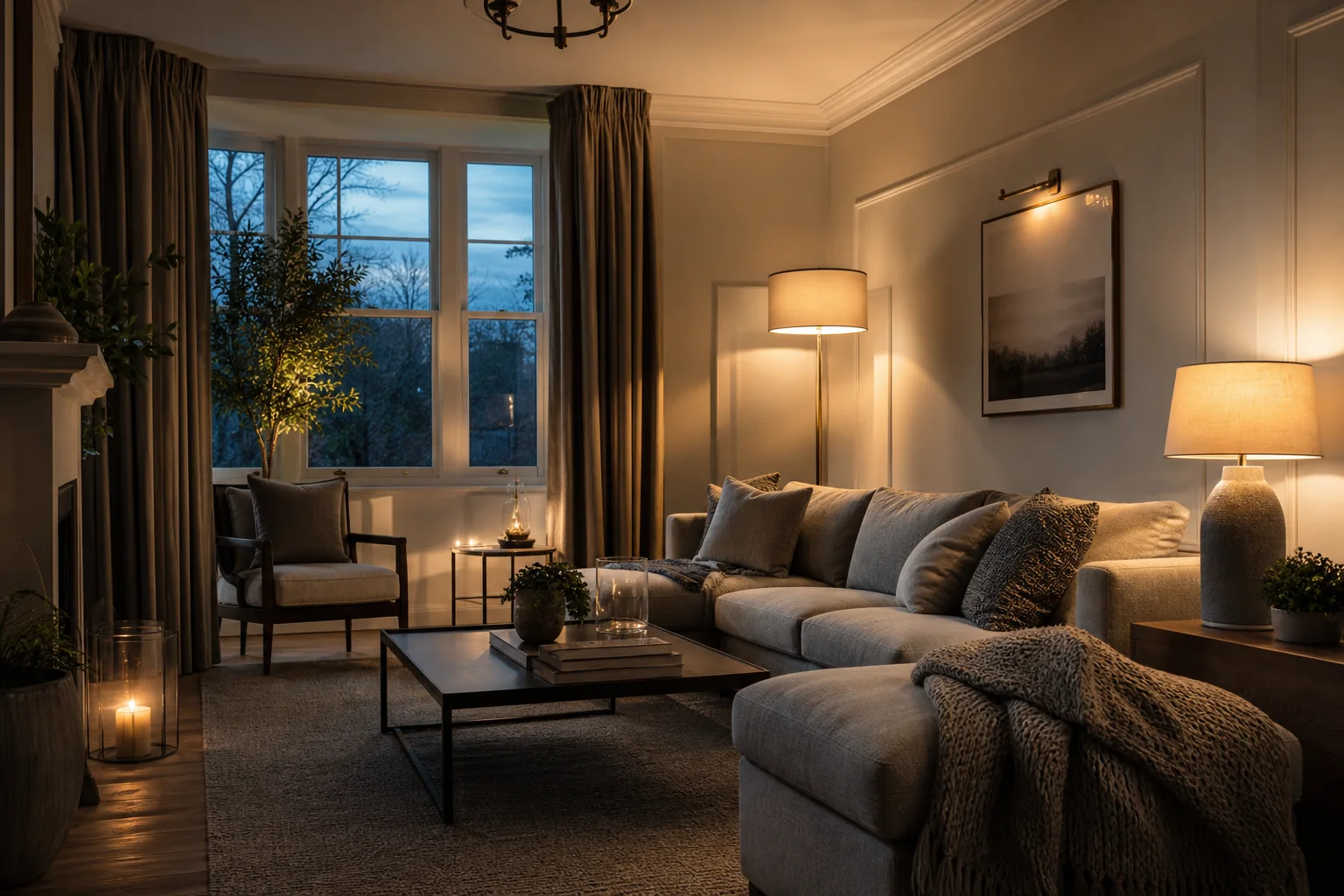
What you get back
A clearer read on why the room feels off and what to change first.
What the audit gives back
A simple room read with the main issue first.
The report shows what feels off, why it feels that way, and which fix is worth trying first.
Top issue
Name the strongest room problem first instead of giving a vague mood label.
Quick win
Show the fastest meaningful change before bigger spend or redesign.
Confidence
Keep uncertainty visible so the room read feels honest and useful.
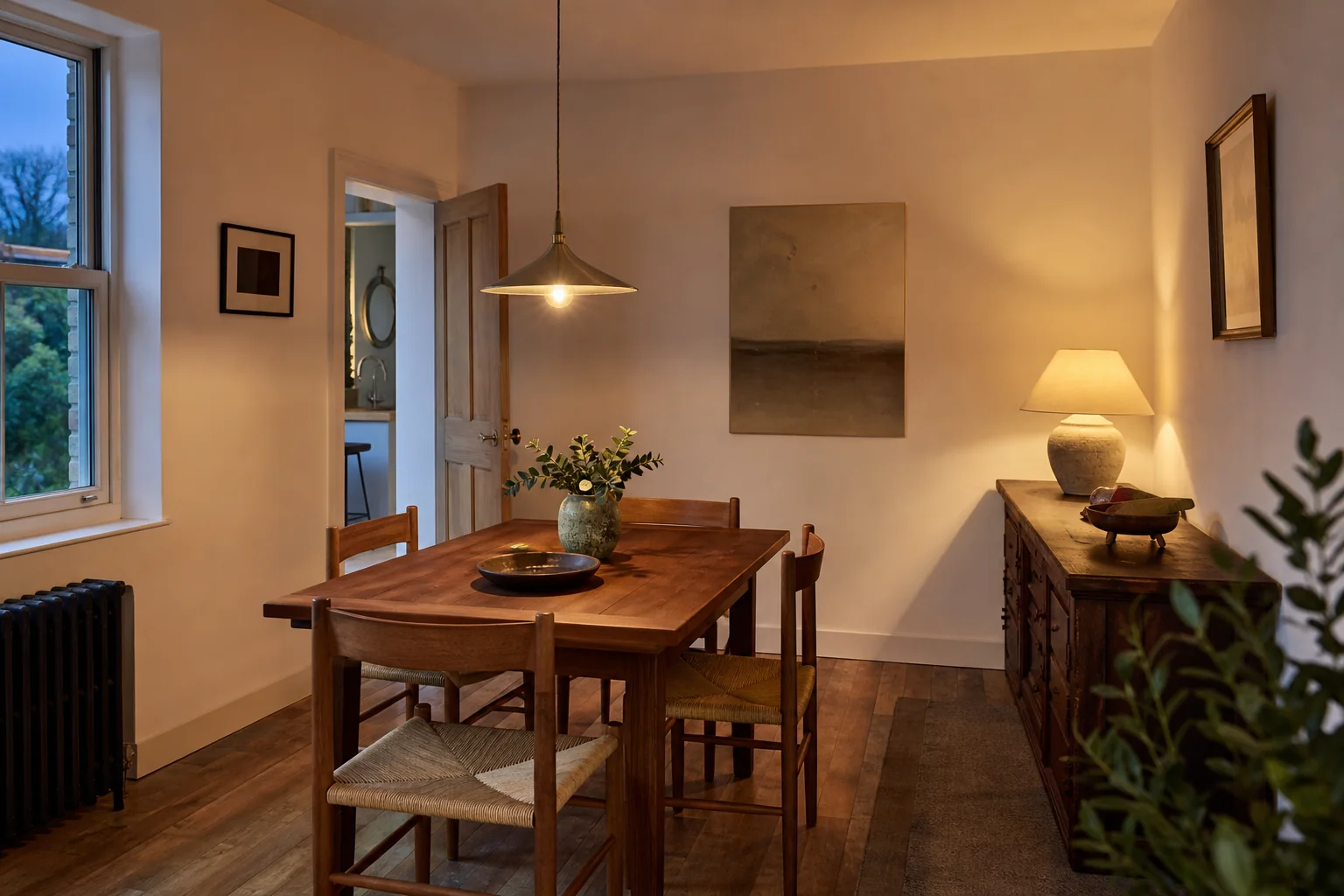
How it works
Capture, read, improve.
Three useful room views are enough for a strong first read.
Scan or upload
Use guided mobile capture or add 1 to 3 photos on desktop.
AI checks the room
We read layout, daylight, glare, comfort, and visible moisture clues where relevant.
Get practical actions
Get a room score, top issues, and next moves ranked from quick wins upward.
Choose your issue
Start from the problem you actually feel
Pick the issue that matches the room now, then jump straight into the audit mode built for it.
Issue mode
Too dark
Check daylight reach, shadowy corners, and the dim zone dragging the whole room down.
Open the mode that best matches the room now, then move into the full room read.
ExploreIssue mode
Feels dull or harsh
Spot flat lighting, glare, and one-source setups that make a room feel off.
Open the mode that best matches the room now, then move into the full room read.
ExploreIssue mode
Bedroom comfort
Review evening warmth, bedside balance, and whether the room feels calm enough to sleep in.
Open the mode that best matches the room now, then move into the full room read.
ExploreIssue mode
Damp or stuffy
Look for moisture clues, stale corners, and darker areas that often sit behind discomfort.
Open the mode that best matches the room now, then move into the full room read.
ExploreWhat the audit checks
A room read built around feel, not just brightness.
Rightlight6 reads atmosphere, layering, and comfort signals, then turns them into ranked fixes you can act on.
What comes back
A room score, top issues, and ranked next moves.
01
Window quality and daylight reach
02
Harsh overhead glare and flat lighting
03
Sleep-friendly evening layering
04
Dark corners and dead zones
05
Visible damp clues near walls and windows
06
Practical fixes ranked by effort
Example result
From vague discomfort to a clear fix path.
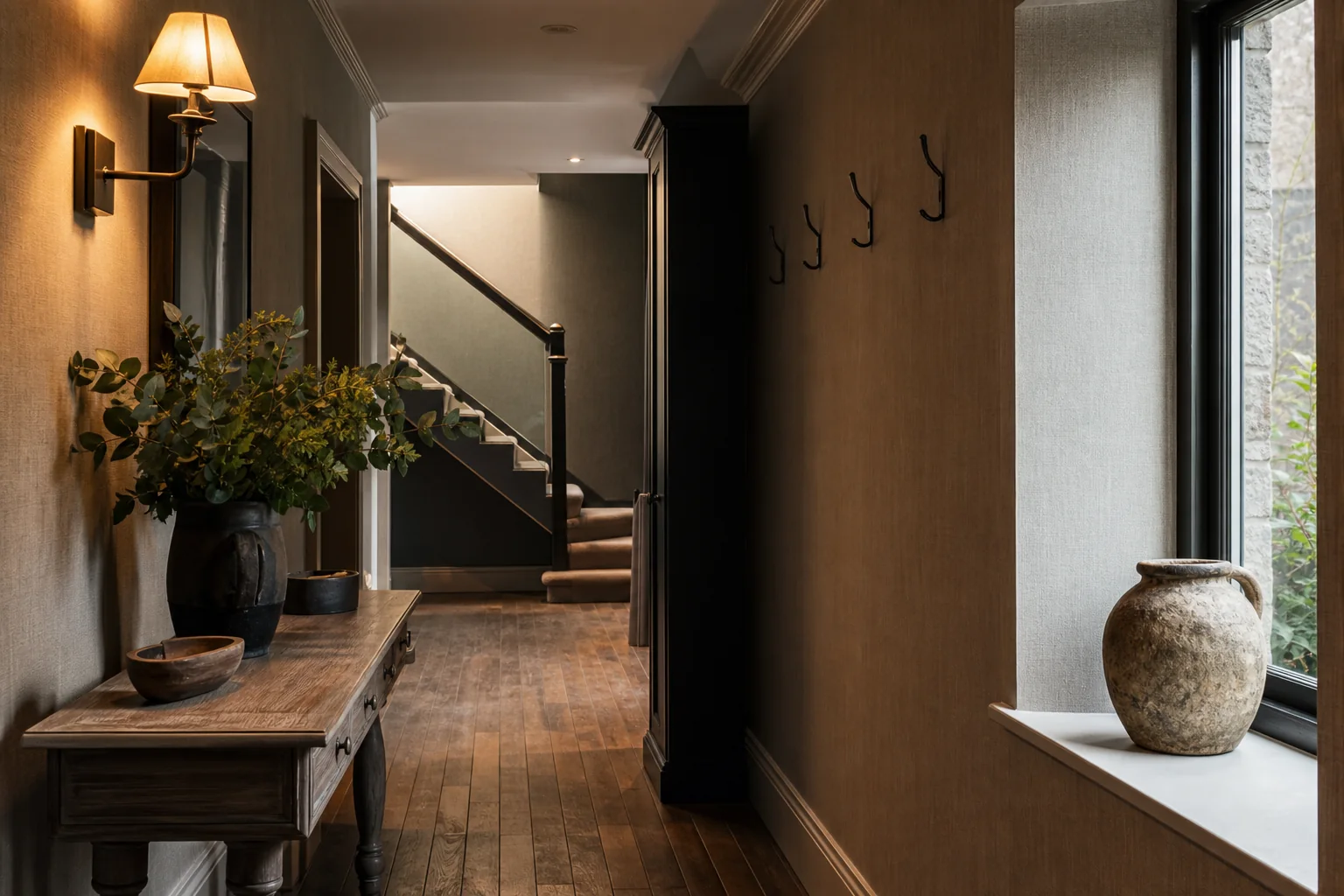
Supporting pages
Focused entry points for the most common room problems
Each page isolates one issue cleanly and links back to the full audit when you need a more complete room diagnosis.
Pages
4
Focused starts for dark, harsh, bedroom, and damp rooms.
Visual lead
Image-first
Real room scenes keep the diagnosis grounded and premium.
Best next step
Full audit
Use a focused route first, then move into the wider room read.
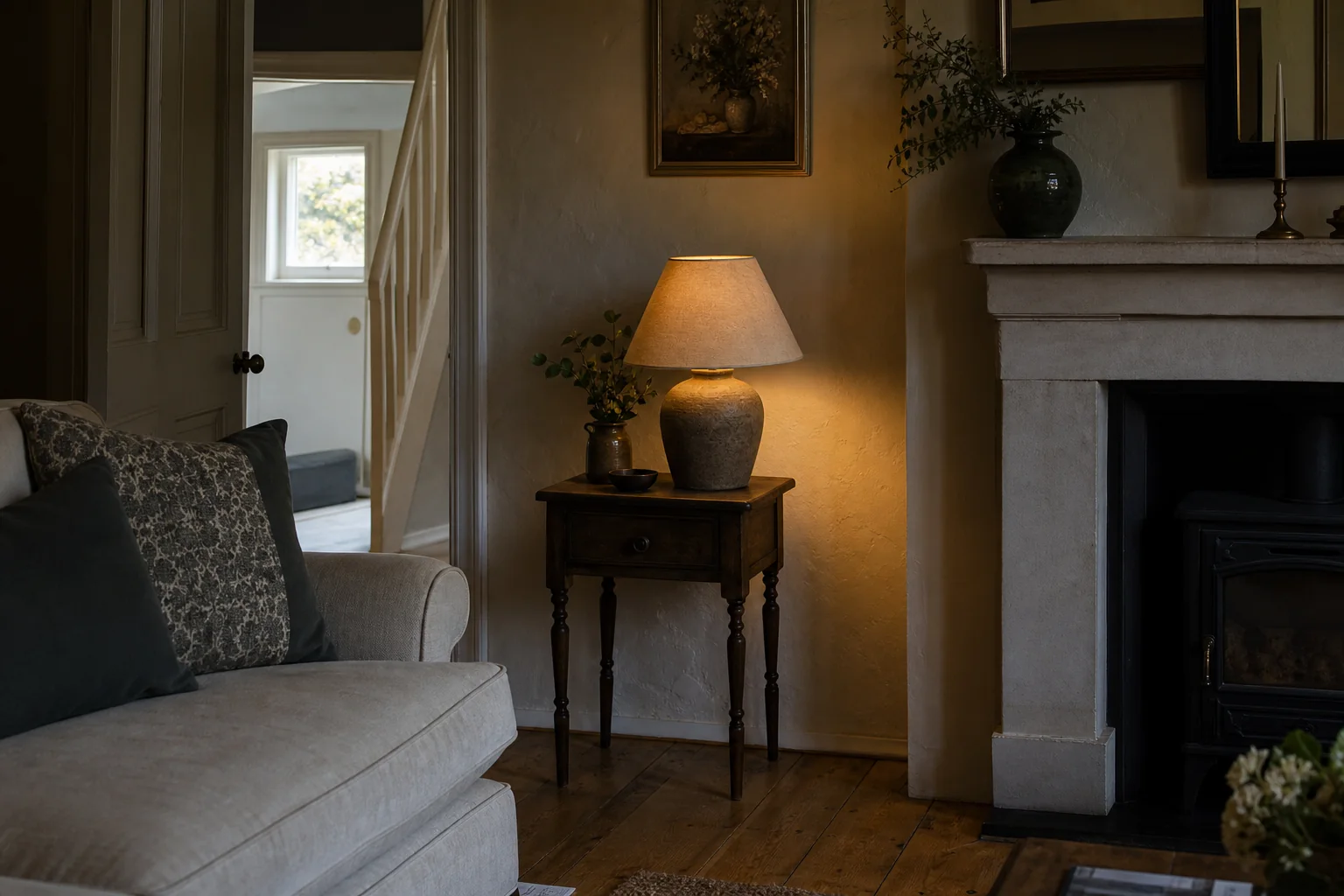
Featured support route
Dark room check
Catch dead corners, weak daylight reach, and the one dim zone making the whole room feel underlit.
Scan focus
Best when a room feels gloomy even in daytime.
Why it leads
01
Quickly isolates the dimmest part of the room.
02
Translates weak daylight into a practical first move.
03
Acts as the clearest bridge into the full room audit.
Focused route
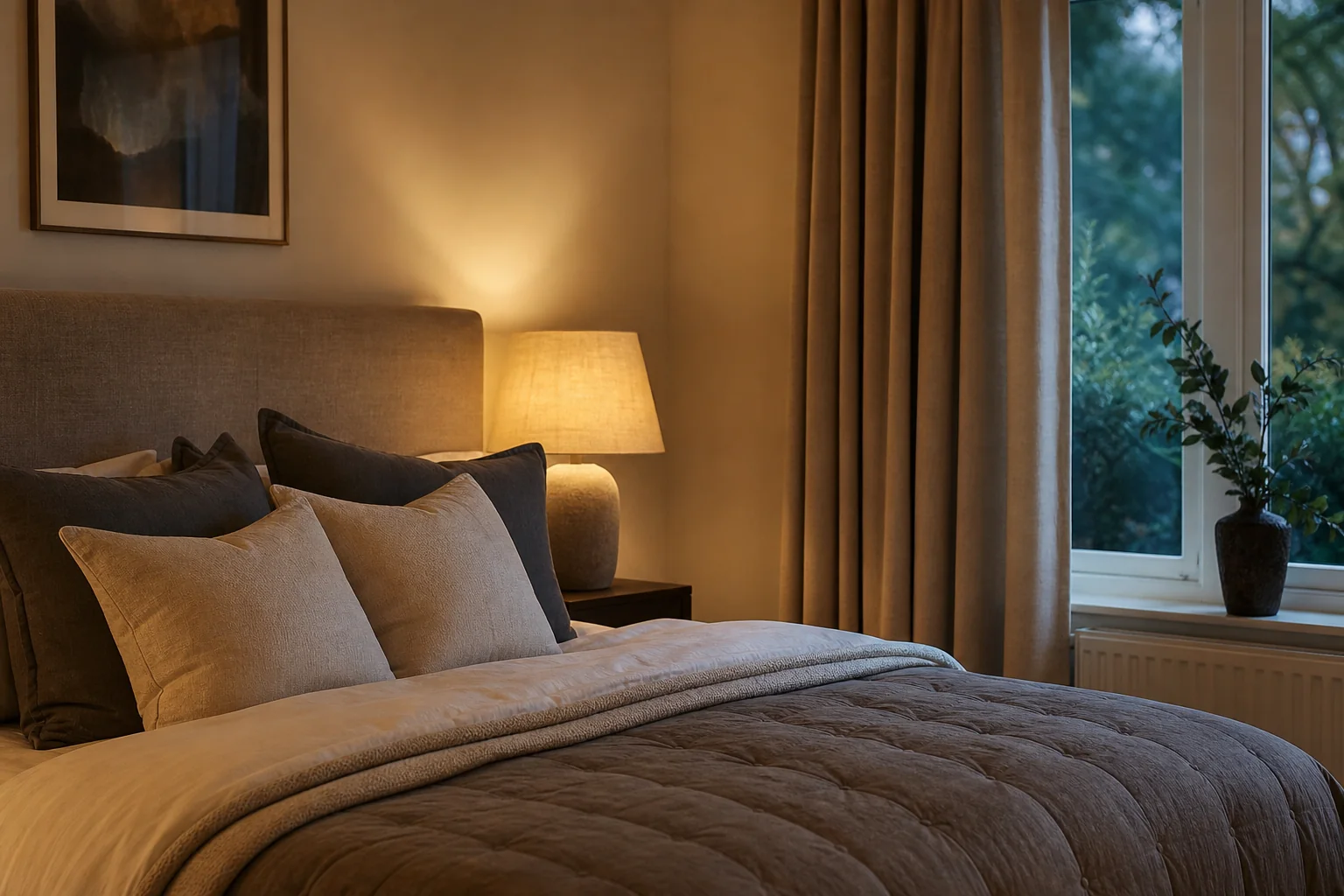
Bedroom comfort check
Check bedside warmth, evening glare, and whether the room feels restful rather than overlit.
Best when the room should feel calmer after dark.
Open page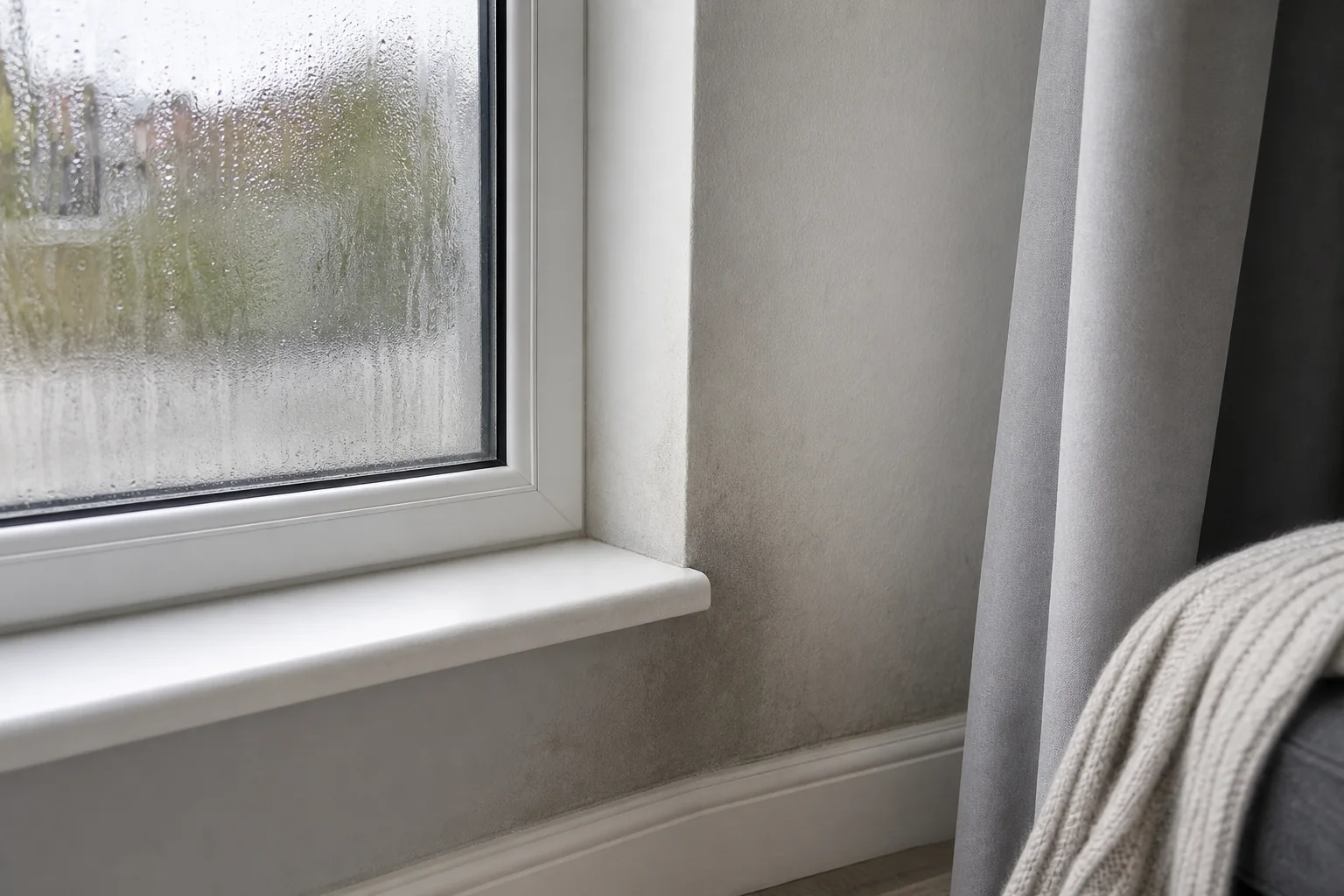
Focused route
Damp and condensation check
Flag visible moisture clues, stale corners, and darker wall areas that often sit behind discomfort.
Useful when a room feels cold, dull, or stuffy.
Open page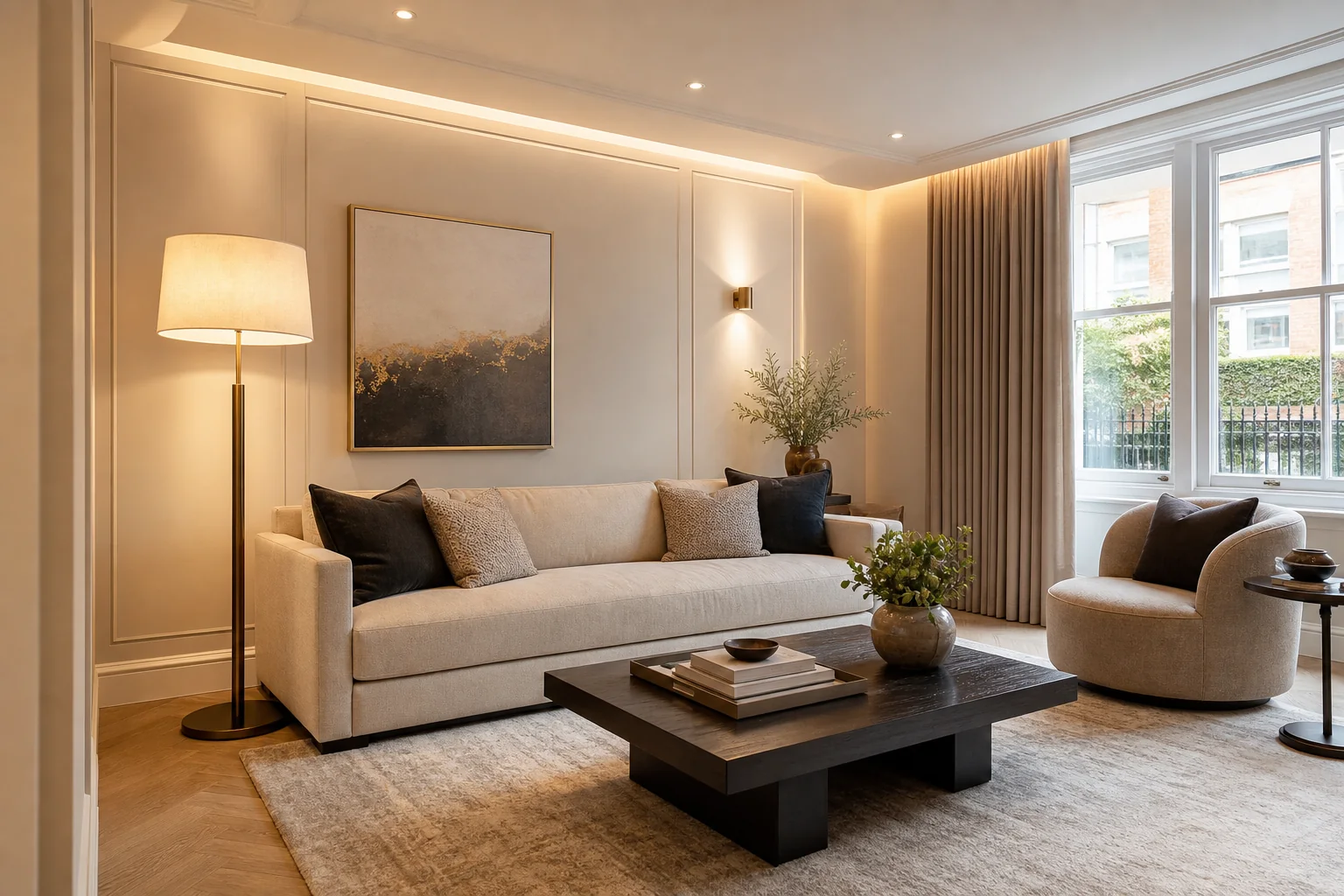
Focused route
Room lighting planner
Turn audit findings into a clearer lighting plan before you buy, move, or over-correct anything.
Best once you know which layer or zone is missing.
Open pageMethod and next step
Need the fuller room diagnosis behind the scores, image checks, and ranked fixes? Open the full audit or read how the method works first.
Trust and methodology
A premium read on the room, with honest limits.
Rightlight6 uses room imagery plus structured analysis to generate practical guidance. It does not claim exact lux measurement, and any damp or condensation findings stay framed as visual indicators, not a formal diagnosis.
Visual read
The audit reads room mood, layering, glare, weak daylight, and dead zones from actual room imagery.
Confidence levels
Findings stay tied to visible clues, with no claim of meter-grade accuracy where the input cannot support it.
Action-first
Outputs prioritise quick wins before bigger purchases, rewires, or overcorrections.
Before you upload
The key things users want clarified before they start.
Can this measure exact lux levels?
No. The audit gives guidance from visible room clues, not exact light meter readings.
What should I upload for the best result?
A full room shot, the main window or light source, and the area that feels worst.
Can it check damp or condensation?
It can flag visible clues and comfort overlap, but it is not a formal damp inspection.
Does it work on mobile?
Yes. It works with guided mobile capture or desktop photo upload.
What do I get back?
A room score, top issues, confidence levels, and practical next steps.
Start now
Get a clear first read on the room in minutes
Start with three guided views and get a room score, top issues, and fixes ranked from the quickest win upward.
Best first capture
Full room, main light or window, and the area that feels worst.